
Inspection
Last updated: 11 Jul 2026
Magnified View
Navigate to the “Inspect Board” tab and move the machine head to the area of interest.
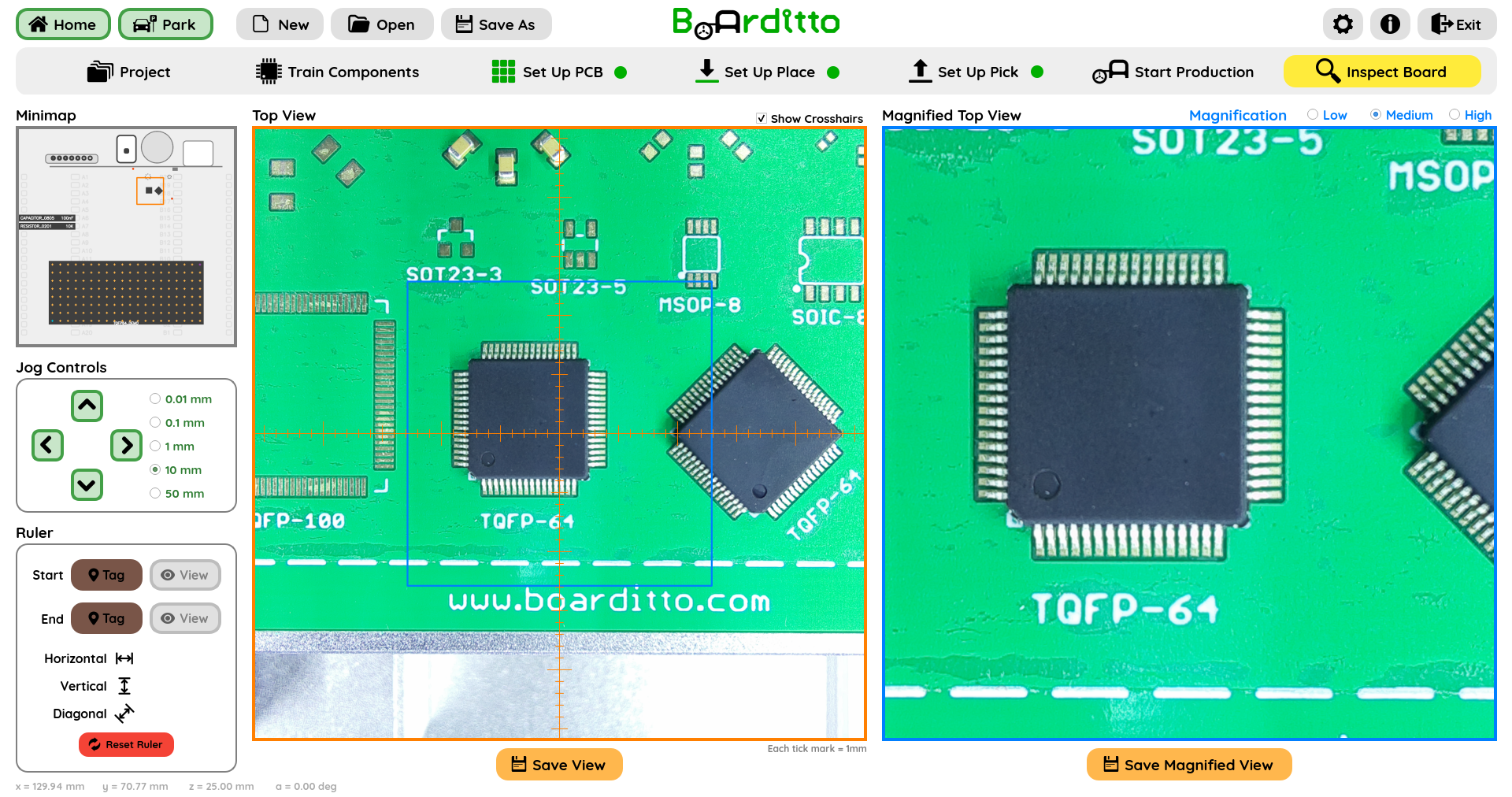
There are three magnification levels to choose from—low, medium, and high.
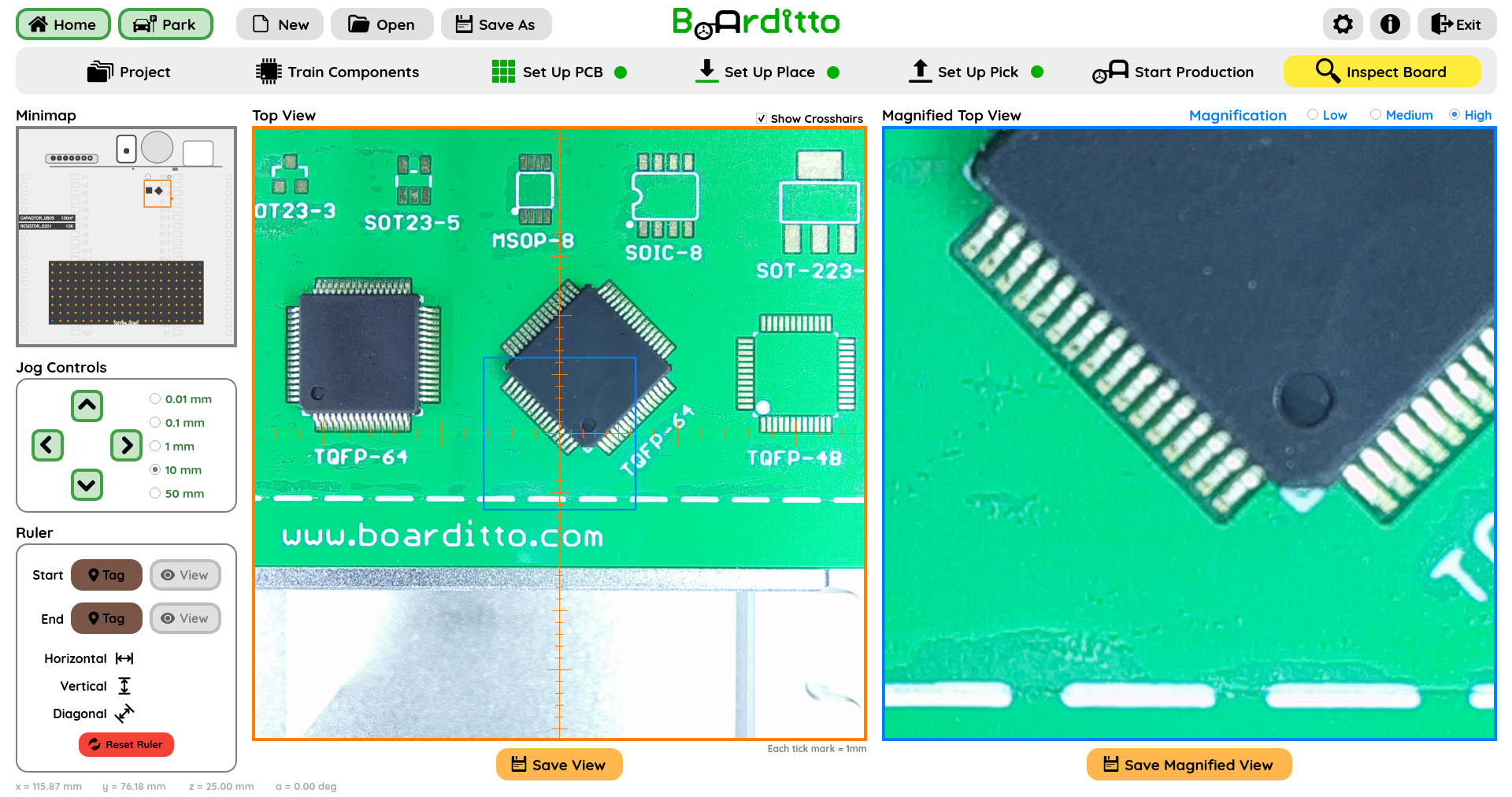
The software lets you save both the Top View and the Magnified View.
Ruler
To measure the distance between two points, move the crosshairs to the starting point and click “Tag”.
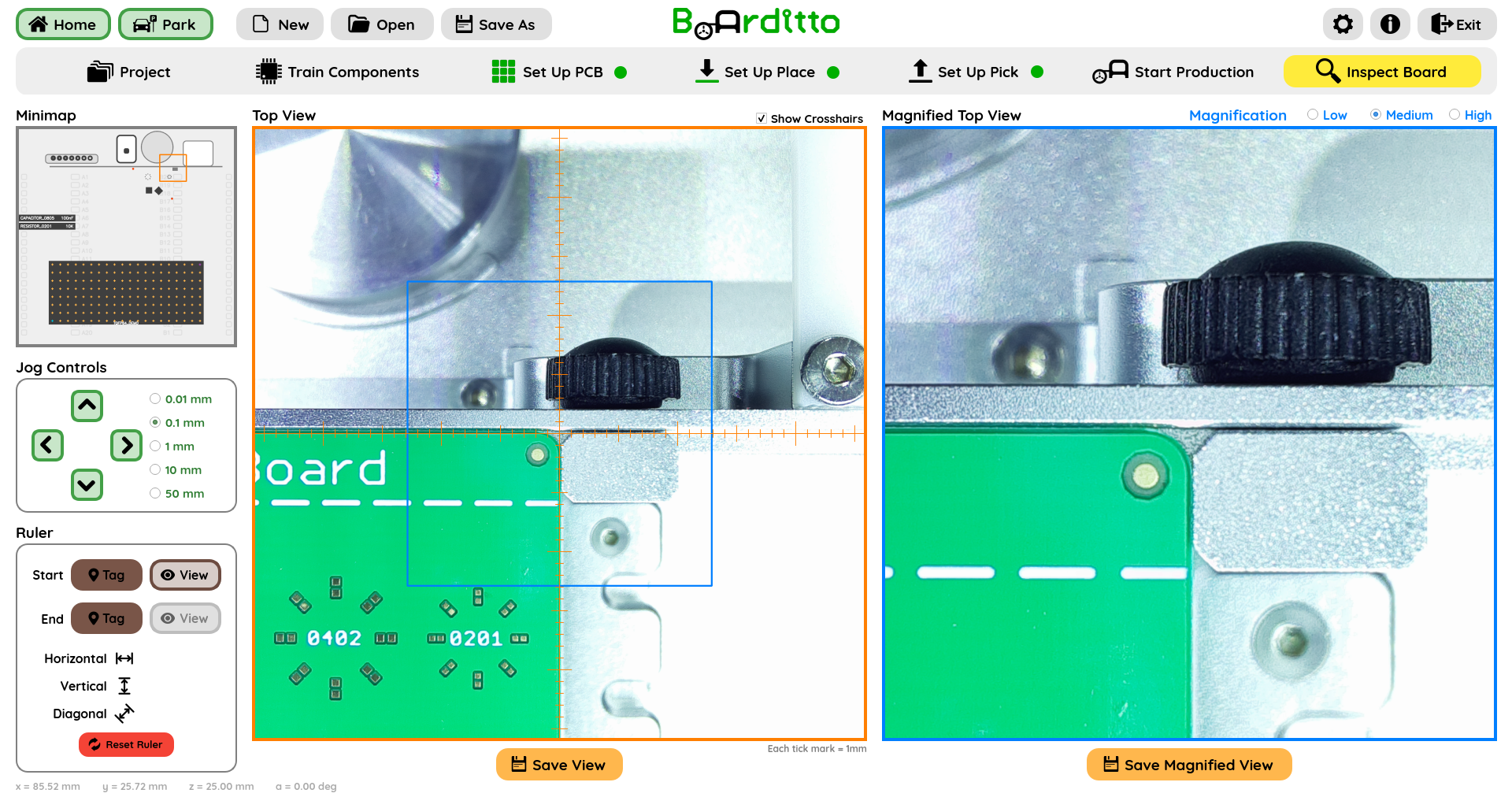
Next, move the crosshairs to the end point and click “Tag”.
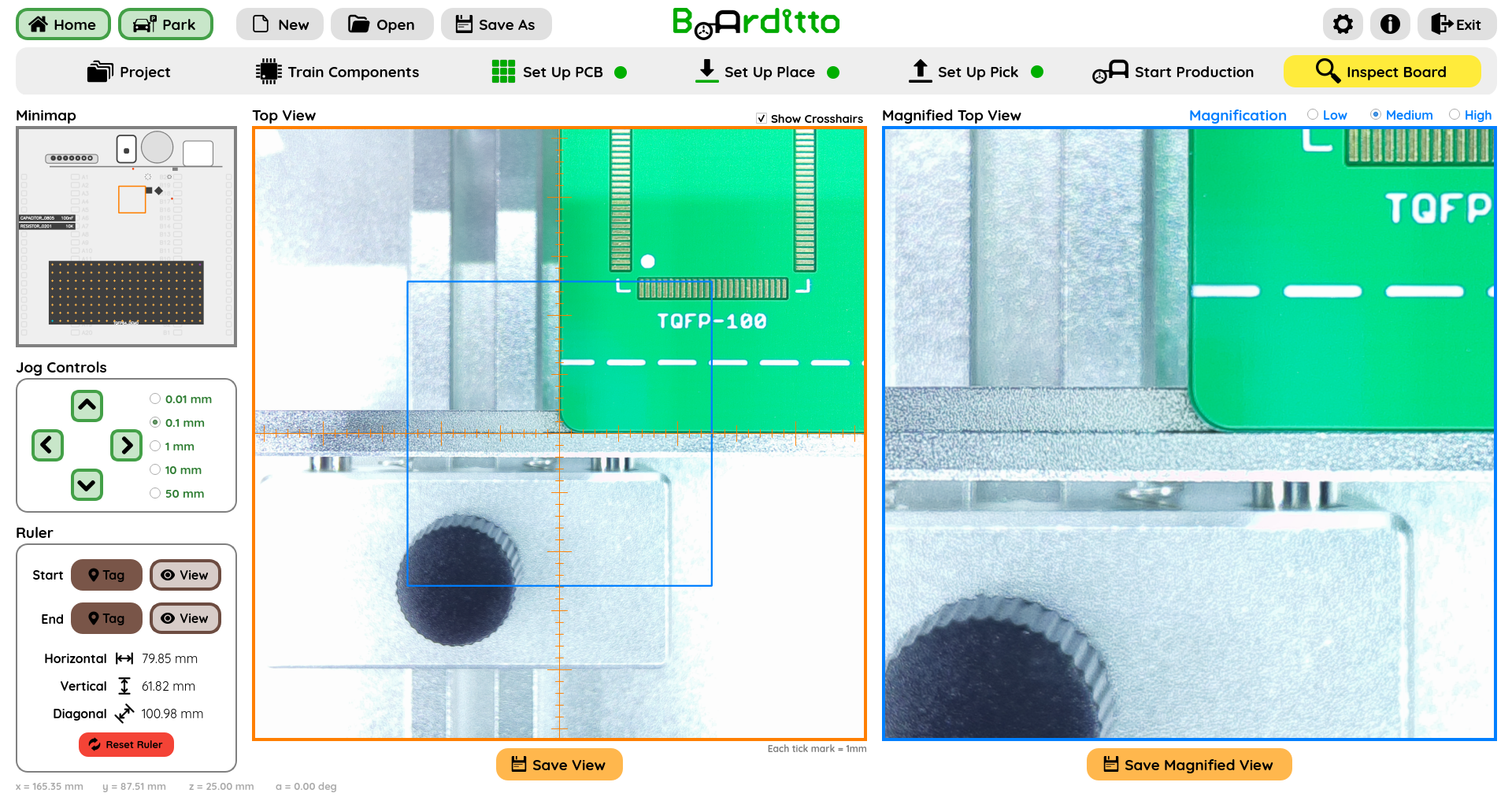
The horizontal, vertical, and diagonal distances between these two points will be provided.
Click “Reset Ruler” to clear the measurement.