
Smart Automatic Feeder
Last updated: 27 Sep 2026
1. Remove the component reel holder.
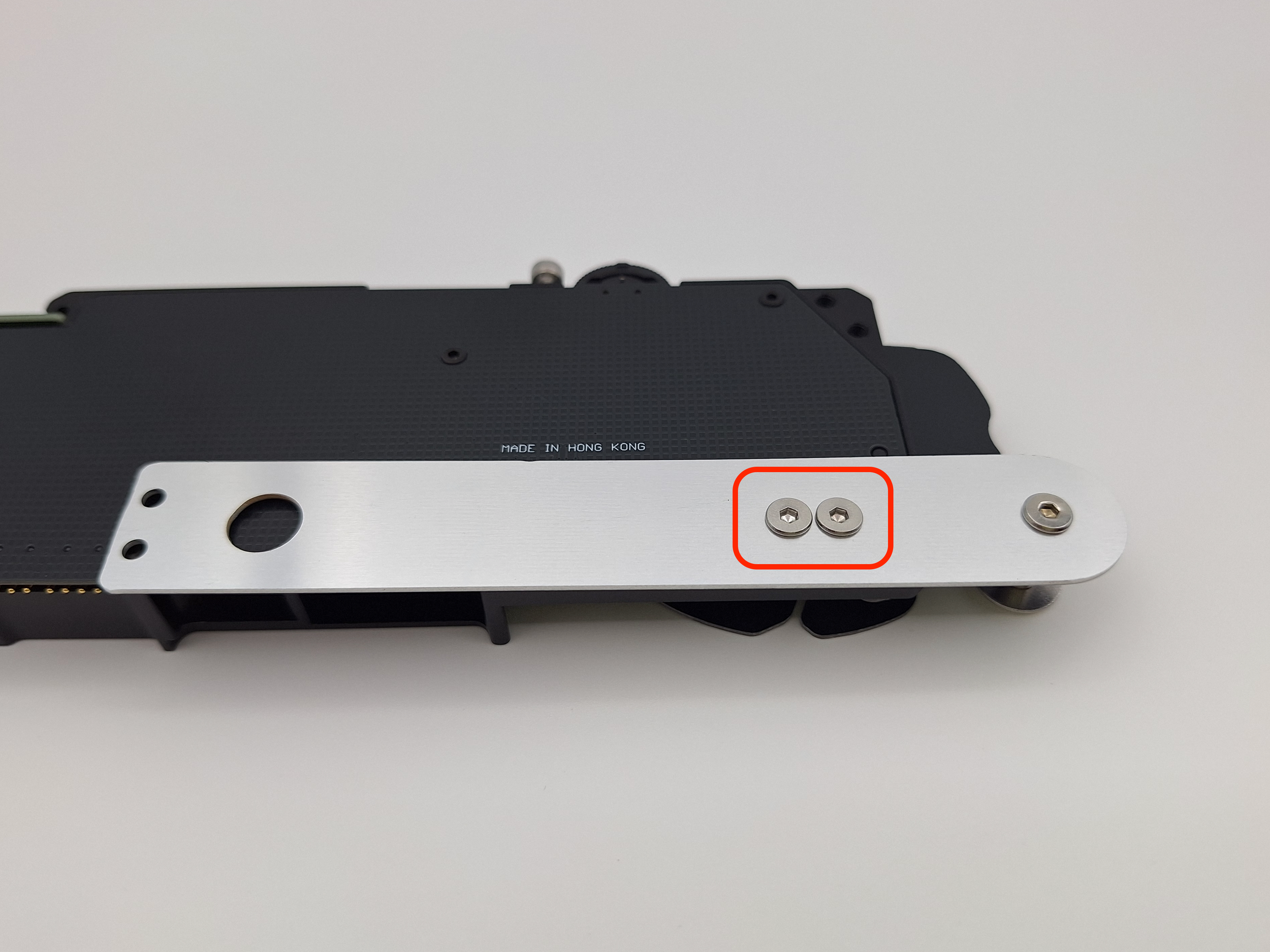
Use the same screws to mount it onto the feeder. There are two configurations:
• Pointing downwards: can be used for feeders intended to be mounted onto a side of the machine that is at the edge of the table.
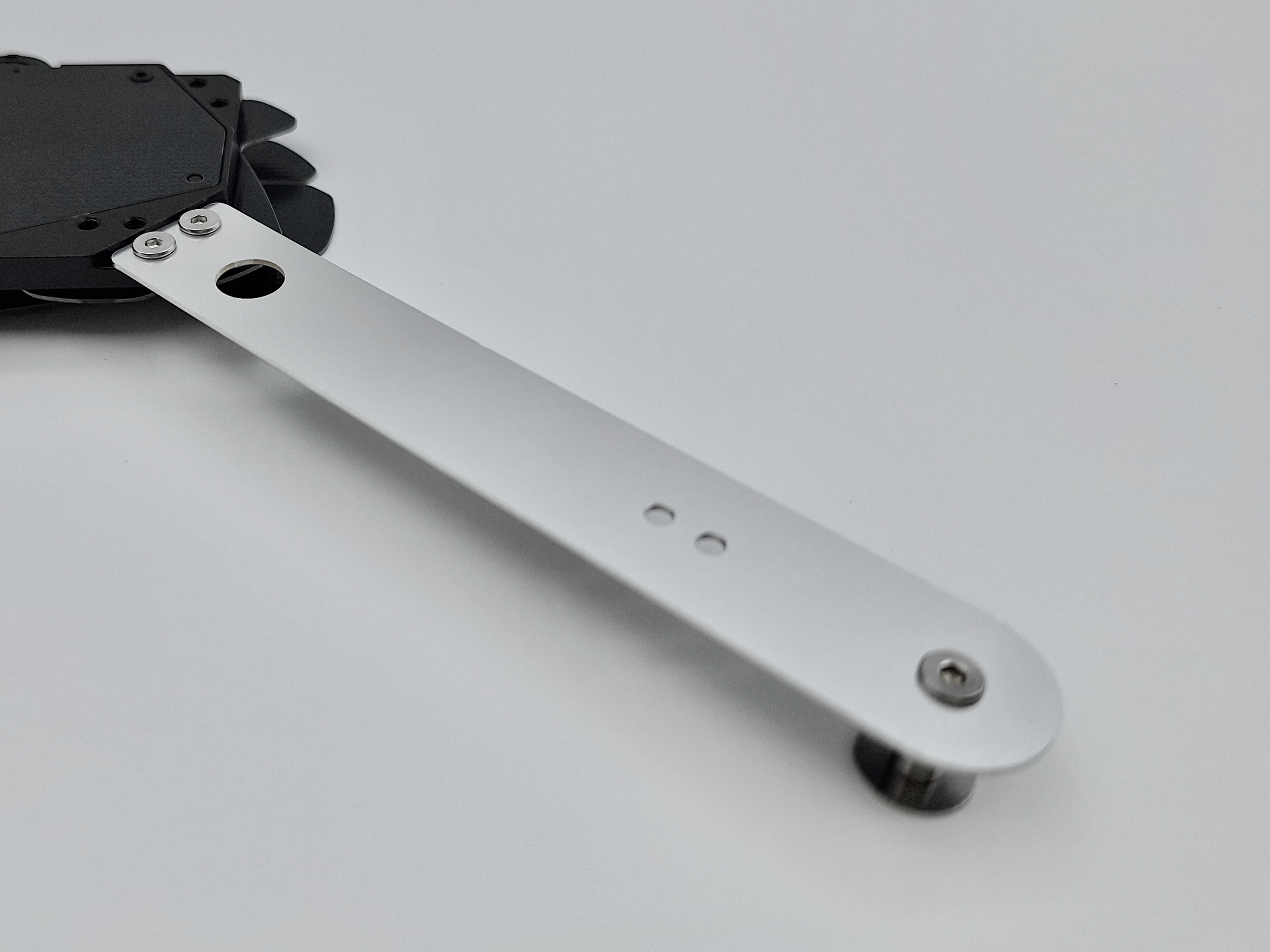
Pointing upwards: can be used for the above scenario and also for feeders intended to be mounted onto a side of the machine that is not located at the edge of the table.
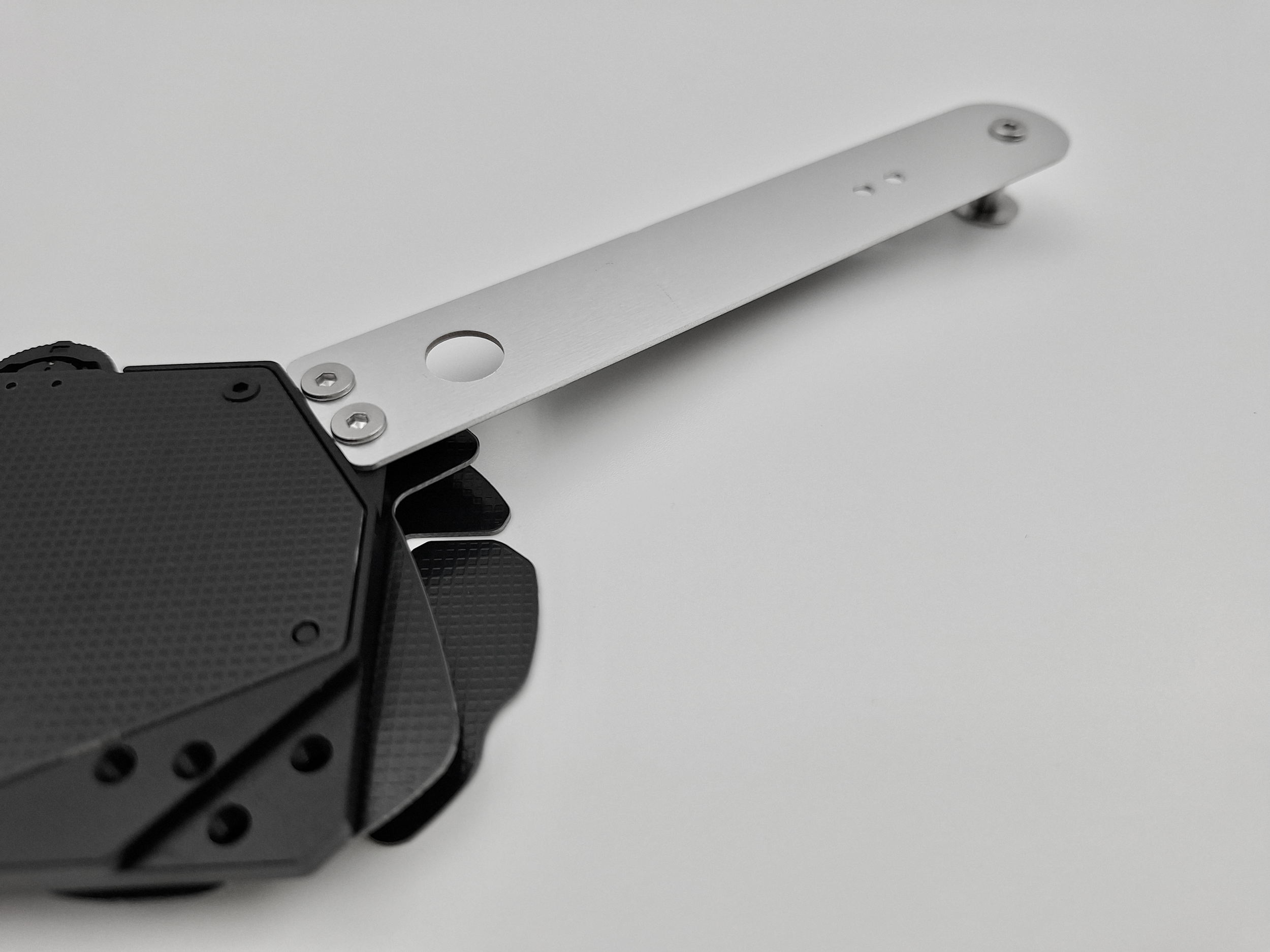
2. Hang the component reel onto the reel holder shaft.
3. Open the top lid by slightly pressing it down (until it unhooks) and sliding it towards the front.
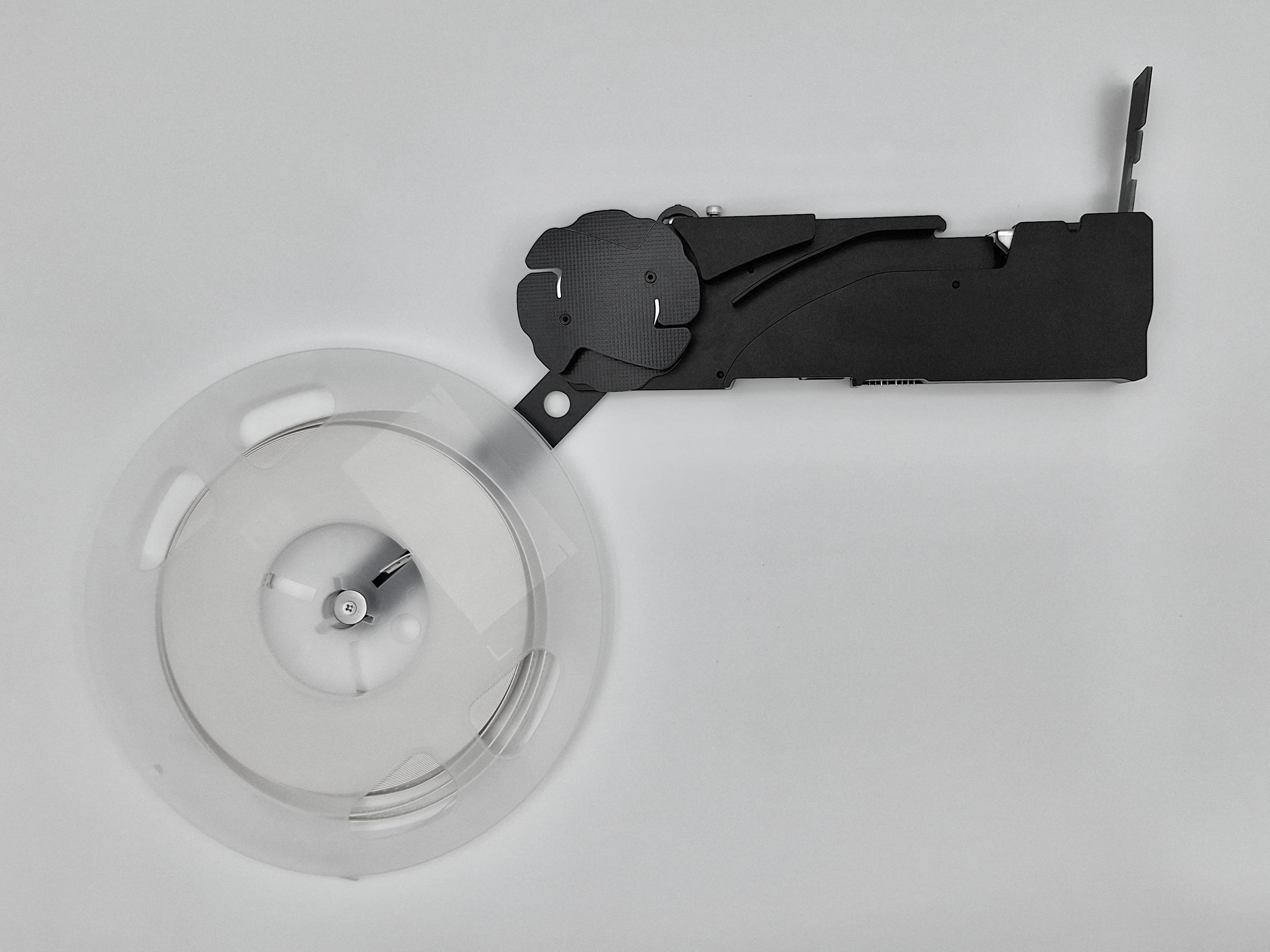
4. Peel the clear tape. The length of the clear tape has to be enough for it to hook onto the roller.
5. Insert the component tape into the tape channel while aligning the holes with the sprocket's teeth.
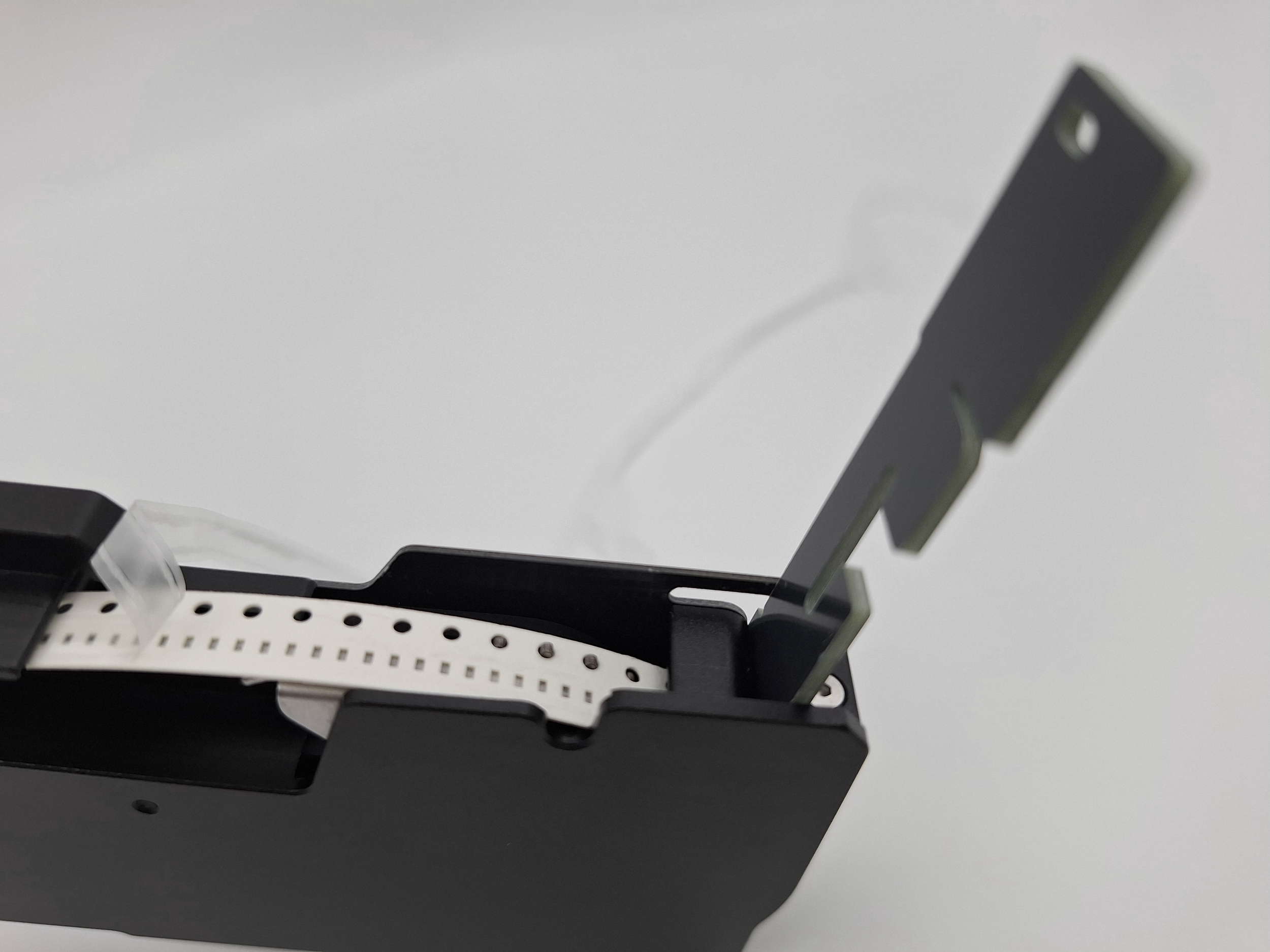
6. Slip the clear tape through the top lid’s slit.
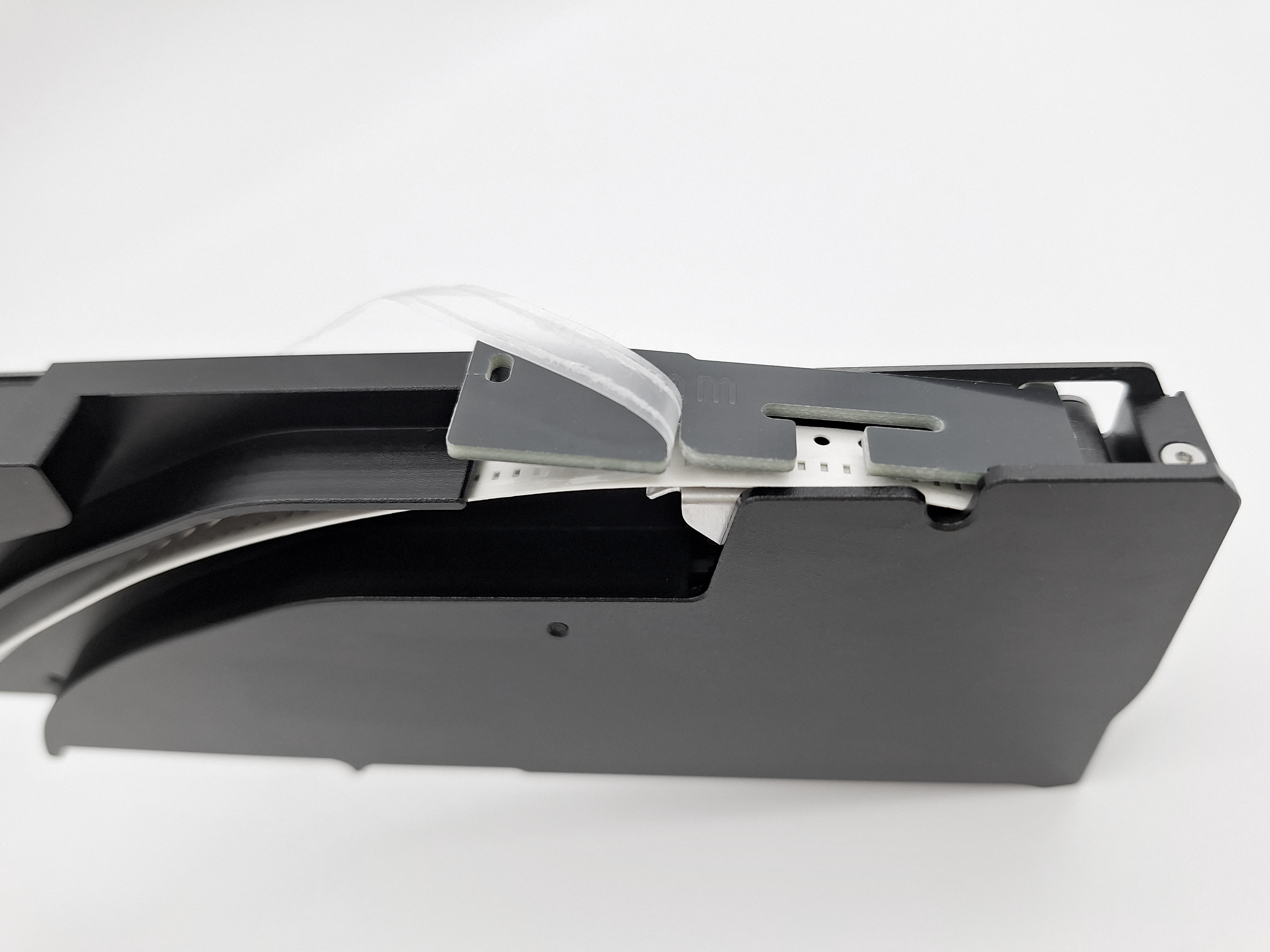
7. Guide the clear tape underneath the roller and anchor it on.
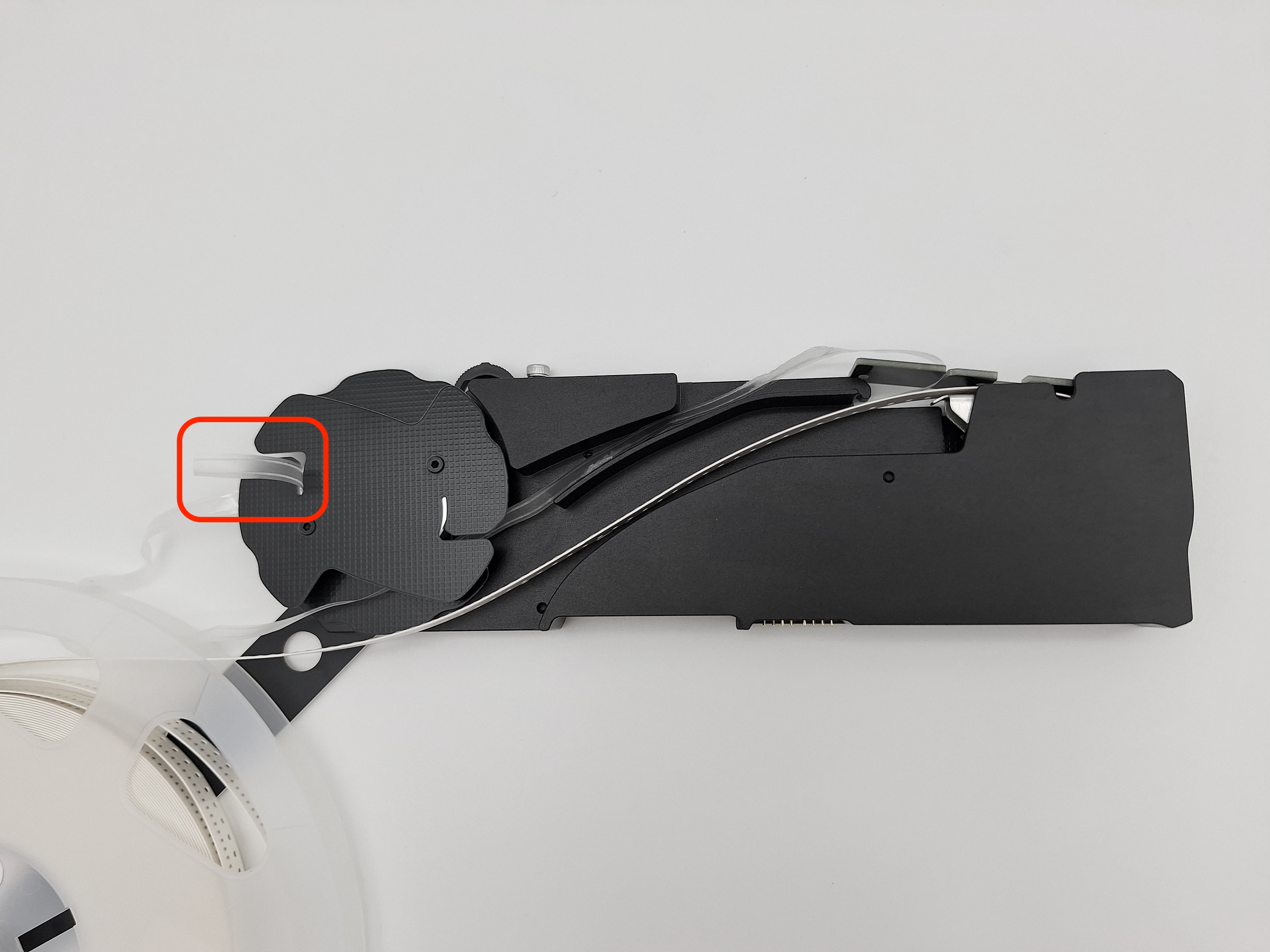
8. Wind the clear tape up by rotating the roller.
9. Close the top lid and hook it back into place.
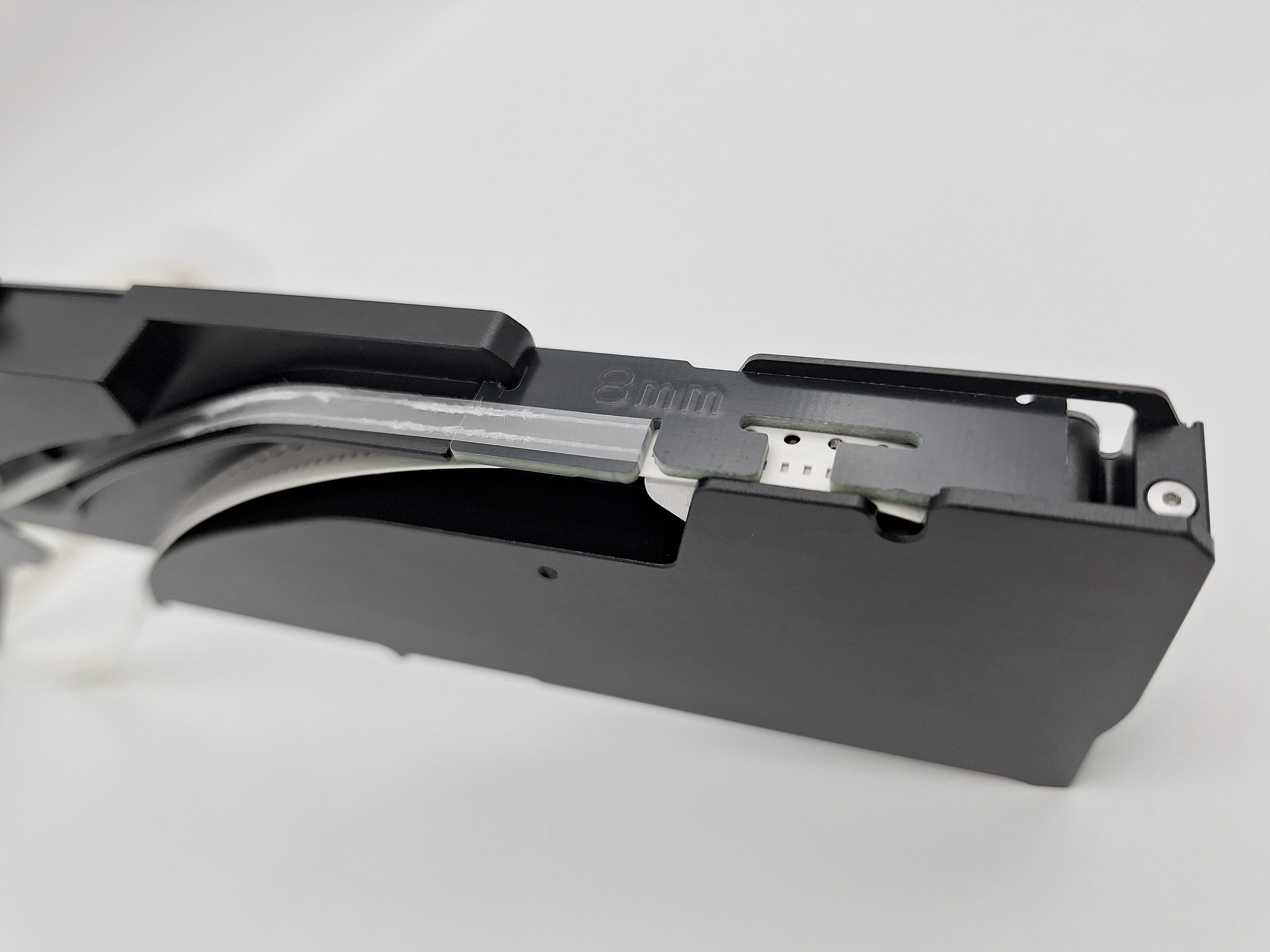
10. Wind the excess clear tape up so that it becomes taut.
Note: the clear tape should always remain taut during operation so that the feeder can peel it off the component tape. If it becomes loose at any point, you can wind it up by manually rotating the roller.
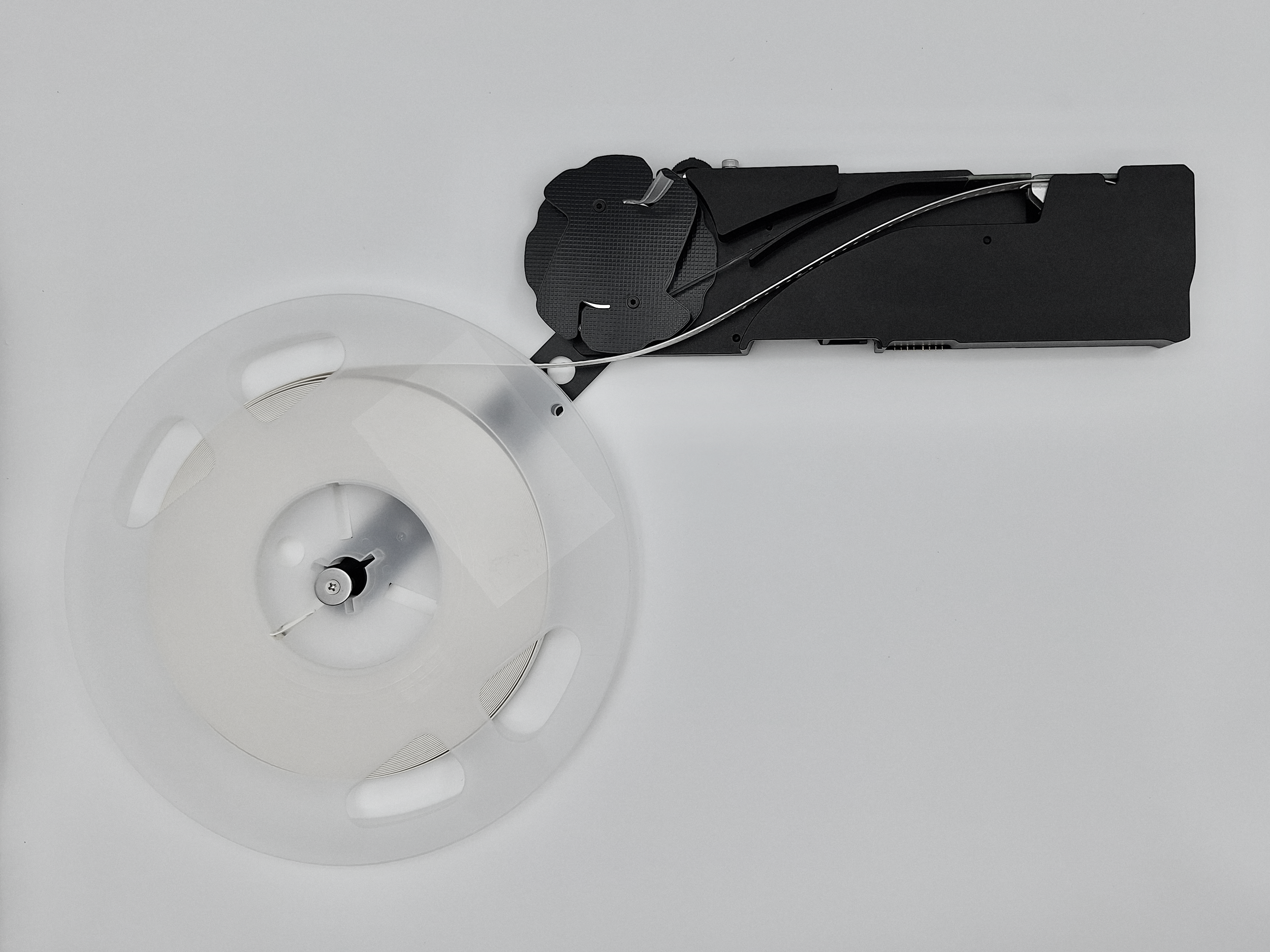
11. Hook the feeder into one of the machine’s feeder slots.
12. Ensure the first exposed component (with the clear tape peeled off) is in the correct spot, which is approximately in the middle of the Smart Automatic Feeder’s top lid window. Use the physical button on this feeder to adjust the position as follows:
a) if the component has not reached near the middle of the top lid window, press the button forward once. This should feed the tape forward just a little and the component should land on the correct spot; or
b) if the component is already past the middle of the top lid window, press the button backwards to rewind it and then carry out step “a”.
Storage recommendations:
Hanging the feeder onto a pegboard is an organized and space-saving way of storing feeders. It also allows you to more easily browse through all the stored feeders to select the ones you need.